
Click Download button below
Start the process from this official page.
Get the Paripesa desktop application for fast betting and casino play. Enjoy live casino, roulette, slots, and table games on Windows and macOS. It is free to download and matches the website features while running smoother in a dedicated PC window.
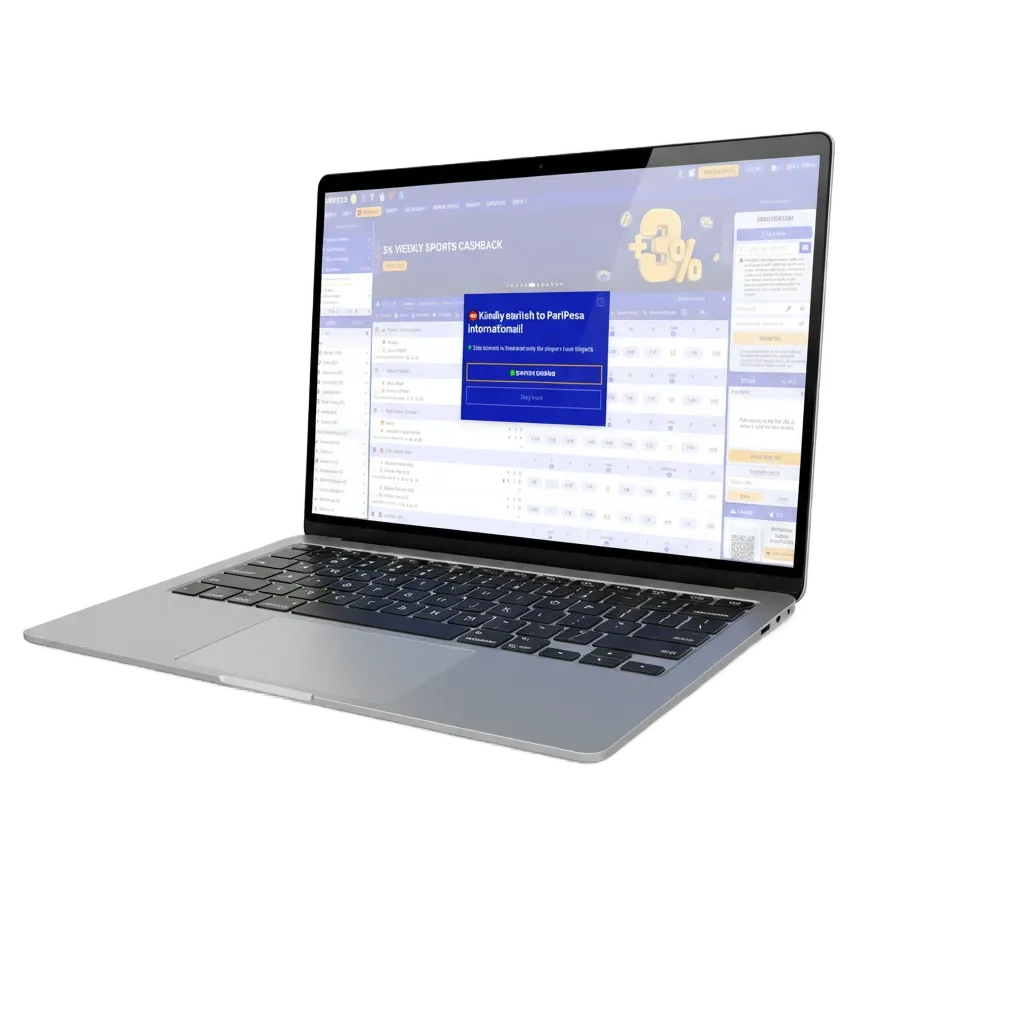
The Paripesa PC app brings the full platform to your computer: faster loading, full‑screen gameplay, fewer lags.
Available Languages
English, Hausa, Yoruba, French
Category
Sports betting; Online Casino; Live Casino; Slots; Table Games; Virtual Sports
Compatible with Windows
Windows 10, Windows 11
Compatible with macOS
macOS 11 Big Sur, macOS 12 Monterey, macOS 13 Ventura, macOS 14 Sonoma
Here is a quick look at the benefits and trade‑offs on a computer. Use it to decide if the PC path suits your betting style.
| Pros | Cons |
|---|---|
| Faster loading on computer | Requires installation |
| Stable performance on long sessions | Uses storage space |
| Full‑screen casino and live odds | Needs periodic updates |
| Multi‑window betslip workflow | |
| Keyboard shortcuts and quick login | |
| Higher stream quality for live games | |
| Fewer browser tabs and distractions |
Use the button below to download Paripesa for Windows. The app supports Windows 10 and 11 and runs on a modest system: dual‑core CPU, 4 GB RAM, about 500 MB free space, and a stable internet connection.
Start the process from this official page.
Choose a folder on your computer.
Double‑click the .exe to begin.
Confirm the Windows prompt.
Pick shortcut and install path.
Open the app from the desktop icon.
Enter your account details and set preferences.
The Mac application works on macOS 11 Big Sur or newer, on Intel and Apple Silicon devices. It needs about 500 MB free space and 4 GB RAM.
Start from this official page.
Pick your Downloads folder.
Drag the app into Applications.
If prompted, open via System Settings > Privacy & Security.
Start the app and allow notifications if you like.
Enter your account and complete first‑time setup.
Updates improve speed, stability, and security. Install them to get new features and better live odds performance.
Launch the app on your computer.
Accept any update notice shown after login.
Go to Settings > Updates and select Check for updates.
Complete installation and reopen to continue betting.
Create your account in minutes and get access to sports betting, casino, live tables, and promos. You can use the same login on website and computer.
Tap Create account on the home screen.
Phone, email, or social sign‑in option if offered.
Provide basic information and confirm via code or link.
Finish registration and proceed to deposit.

You do not need the PC app to enjoy betting and casino games. The official website offers the same markets, live events, and account tools. Log in on your computer browser and play in full‑screen using the site’s interface. All banking, promotions, and support are available online.
Help is available every day for PC and Mac users. Use the channels below to get quick assistance.
Yes. One account works across all platforms.
Yes. Where available, streams load faster and at higher quality on a computer.
All payment methods shown in Cashier on the website are available in the app.
Yes. There is no charge to download or use the installer.
Add the file as allowed, then rerun the setup. Always download from the official website only.
Updated: